
Cryptic Escape1.5 - Google Play
You'll be able to see results in few seconds.
Publisher Description

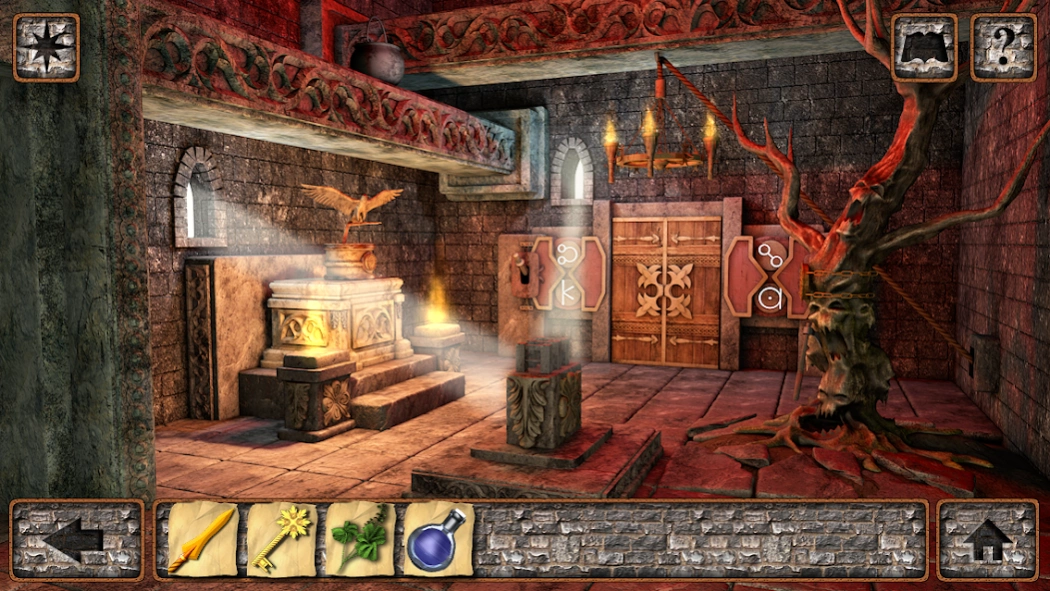
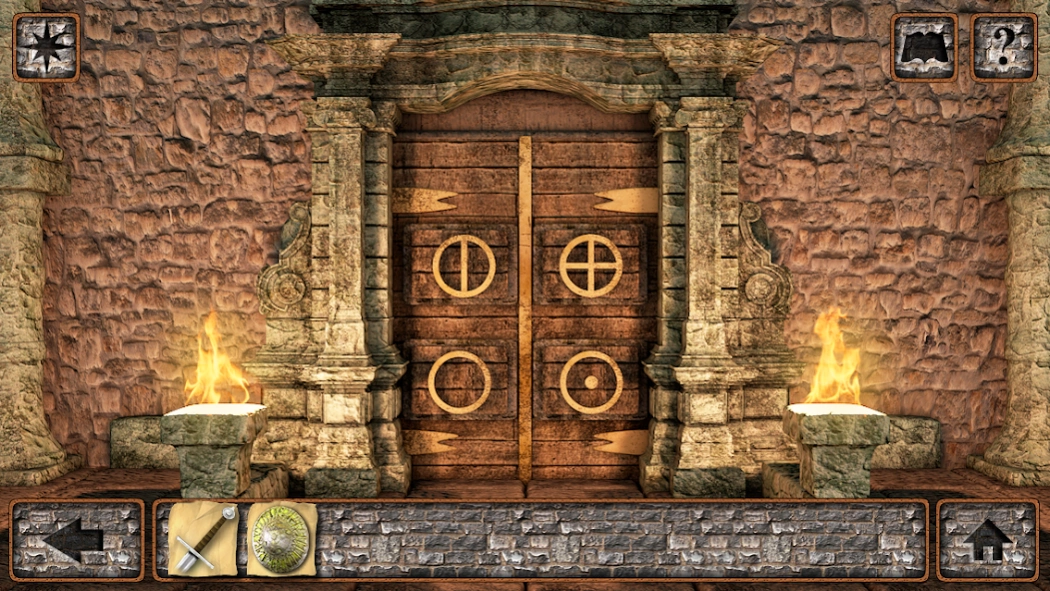
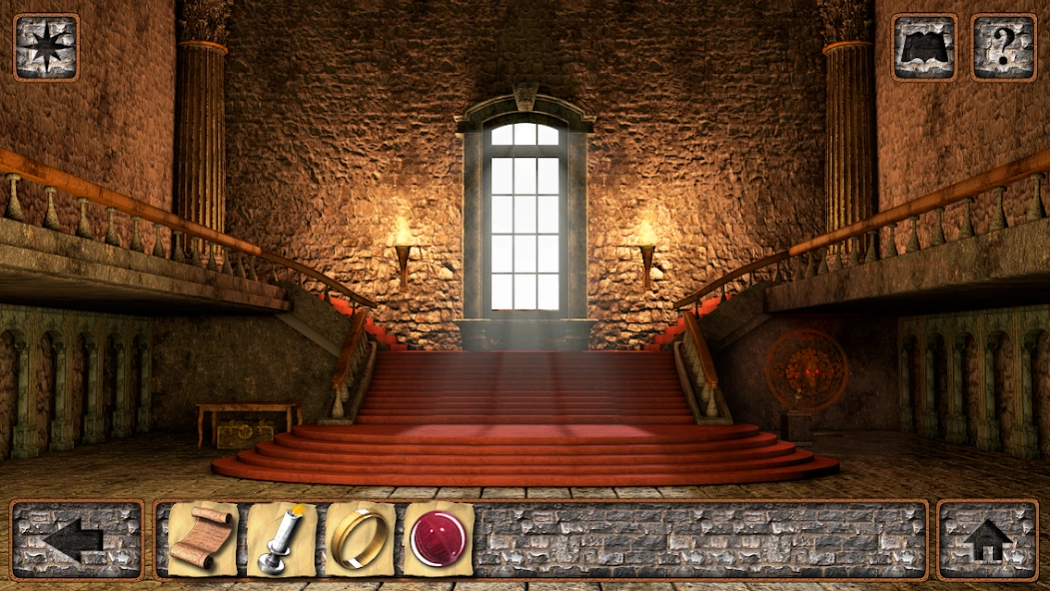
Escape Rosemire Castle, find the legendary chamber, and defeat Asmordos.
You are a prisoner in Rosemire Castle. The residents of Rosemire have fled from Asmordos, a ruthless warlord who seeks the hidden chamber of Malvadius. Legend has it that the chamber contains the powerful magic of the Archmage Malvadius.
Escape the dungeon and find the chamber before Asmordos reaches the castle grounds. Use your wits to solve the many challenging puzzles encountered throughout your adventure. Travel through the darkest depths of a medieval dungeon and explore the rooms and passages of Rosemire Castle. Discover and use over 70 different unique items to help locate the hidden chamber of Malvadius!
During your escape you can use the in-game map to see your location within the game. If you get stuck on a puzzle you can use the in-game hints to help you progress further. The in-game journal will record the clues you find throughout the game.
Features:
• Classic point and click style gameplay
• Escape the darkest depths of a medieval dungeon
• In-depth story driven medieval adventure
• Over 70 unique items to discover and use
• High definition graphics
• Unique and challenging puzzles
• In-game hint system so you don’t get stuck
• In-game journal records your discoveries
• In-game map shows your location
• Color-blind friendly puzzles
• Auto save position
• Universal app designed for both phones and tablets
About Cryptic Escape
The company that develops Cryptic Escape is 3D Methods. The latest version released by its developer is 1.5.
To install Cryptic Escape on your Android device, just click the green Continue To App button above to start the installation process. The app is listed on our website since 2020-07-28 and was downloaded 0 times. We have already checked if the download link is safe, however for your own protection we recommend that you scan the downloaded app with your antivirus. Your antivirus may detect the Cryptic Escape as malware as malware if the download link to com.threedmethods.crypticescape is broken.
How to install Cryptic Escape on your Android device:
- Click on the Continue To App button on our website. This will redirect you to Google Play.
- Once the Cryptic Escape is shown in the Google Play listing of your Android device, you can start its download and installation. Tap on the Install button located below the search bar and to the right of the app icon.
- A pop-up window with the permissions required by Cryptic Escape will be shown. Click on Accept to continue the process.
- Cryptic Escape will be downloaded onto your device, displaying a progress. Once the download completes, the installation will start and you'll get a notification after the installation is finished.
Program Details
System requirements
Download information
Pricing
Version History
version 1.5
posted on 2020-07-28
Update for app store 64-bit requirement.
version 1.4
posted on 2019-06-03
Updated build now supports new Android releases.
version 1.3
posted on 2015-05-06
*added skip feature to puzzles in rooms 4 and 5,*updated more games section,*engine update
Disclaimer
Official Google Play Link
We do not host Cryptic Escape on our servers. We did not scan it for viruses, adware, spyware or other type of malware. This app is hosted by Google and passed their terms and conditions to be listed there. We recommend caution when installing it.
The Google Play link for Cryptic Escape is provided to you by apps112.com without any warranties, representations or guarantees of any kind, so access it at your own risk.
If you have questions regarding this particular app contact the publisher directly. For questions about the functionalities of apps112.com contact us.
